文卡网 FAQ
How is this different from ordinary AI image generation?
Ordinary image generation produces a single flattened image. You cannot edit the text, and Chinese characters are often incorrect.
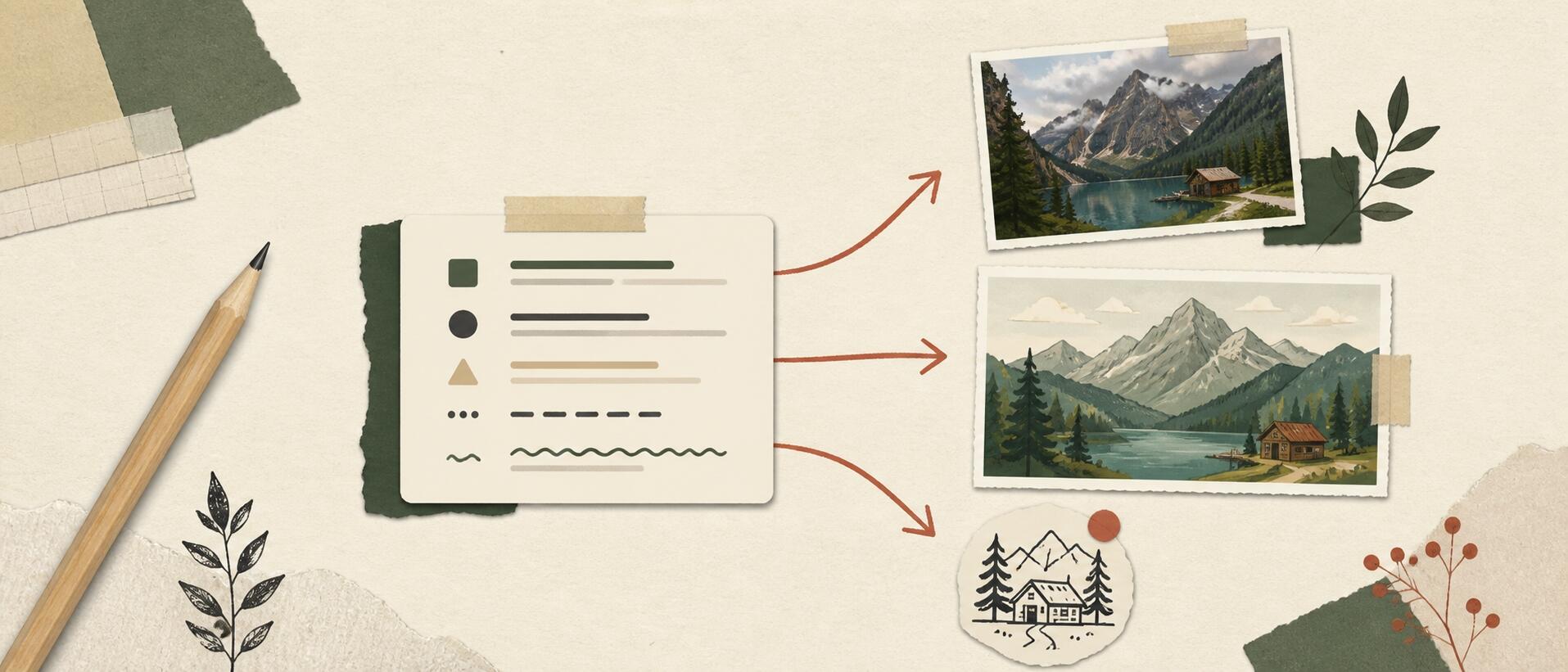
The 文卡网 AI assistant works more like a design assistant. It understands what you want, fills in content, arranges the layout, and produces editable layers. You can change the text and choose the dimensions, including long images and tri-fold layouts. A single instruction can also generate a full set of Xiaohongshu visual posts.
Who is it for?
- Xiaohongshu visual post creators
- WeChat Official Account content creators
- Personal bloggers
- People creating visuals for a business or product
- Anyone who needs to turn content into visual posts quickly
What does “content-first” mean?
Tools such as Canva and Gaoding Design start with templates: choose an attractive template, then fit your content into it. The result can look good, but choosing a template often takes time.
文卡网 starts with your content. Add your text, and AI generates a set of visuals around it. Describe the style you want, and use AI image generation for backgrounds or illustrations when needed. You can get a result faster without spending time searching a template library.
Can I use it for free?
Yes. New accounts receive 10 credits to try AI generation. Daily check-in is currently unavailable. Manual editing and export are free; AI generation with a template still uses credits.
An AI design conversation starts at 1 credit. Longer conversations use more tokens and may cost more credits. Charges depend on the selected model and actual token usage. Clarification-only turns that produce no design are not charged.
See How to Create Xiaohongshu Visual Posts Quickly and Save Credits for practical tips.
How long does a set of visual posts take?
Generation time depends on content length, page count, the selected model and service availability. You can edit individual parts of the result without regenerating everything.
Can AI add images?
Yes. Say “Add an AI-generated image” or “Add some images from the web.”
Can it follow my brand's style?
Yes. Turn your brand style into a prompt and send it to AI. You can also attach reference images, and it will use your style to create the visual cards.
How do I correct the text?
Double-click the text on the canvas to edit it. You can also search for the text in the layer list on the right and edit it there.
Why does credit usage vary?
An AI design conversation starts at 1 credit. Longer conversations use more tokens and may cost more credits. Charges depend on the selected model and actual token usage. Clarification-only turns that produce no design are not charged.
Model rates vary. When starting a different task after a while, create a new project to reduce historical context.