Turn a piece of text into
a set of editable visual cards
AI extracts the key points and lays them out across multiple cards. You can then edit the text, images, stickers and paper. Use them for Xiaohongshu posts, long images for WeChat Moments, knowledge cards, exam papers and promotional pages.
New accounts receive 10 credits. AI generation is charged by usage.
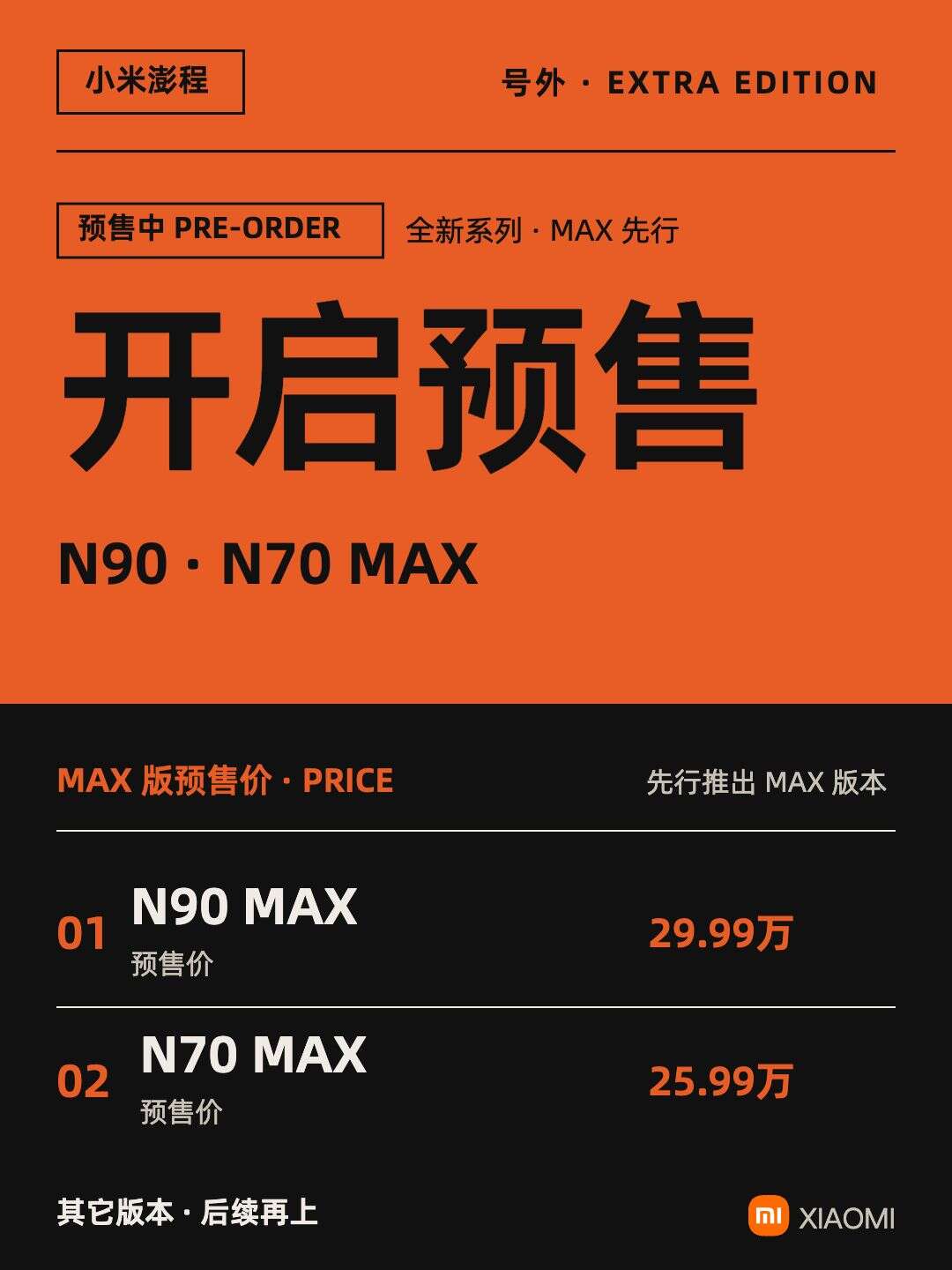
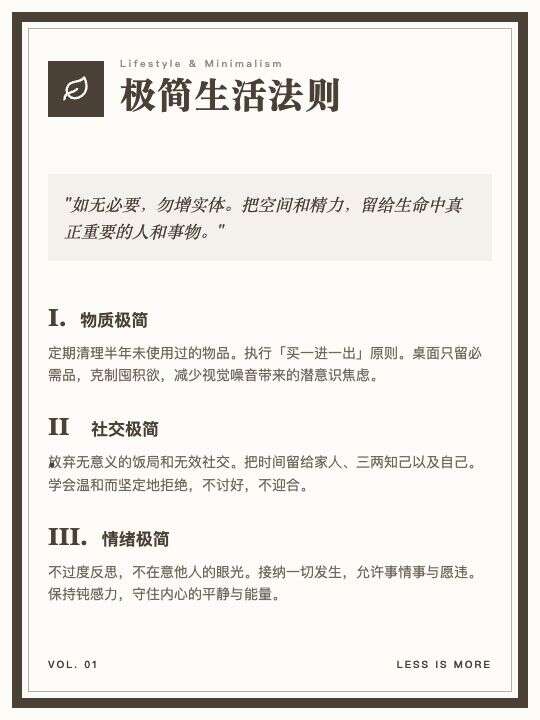
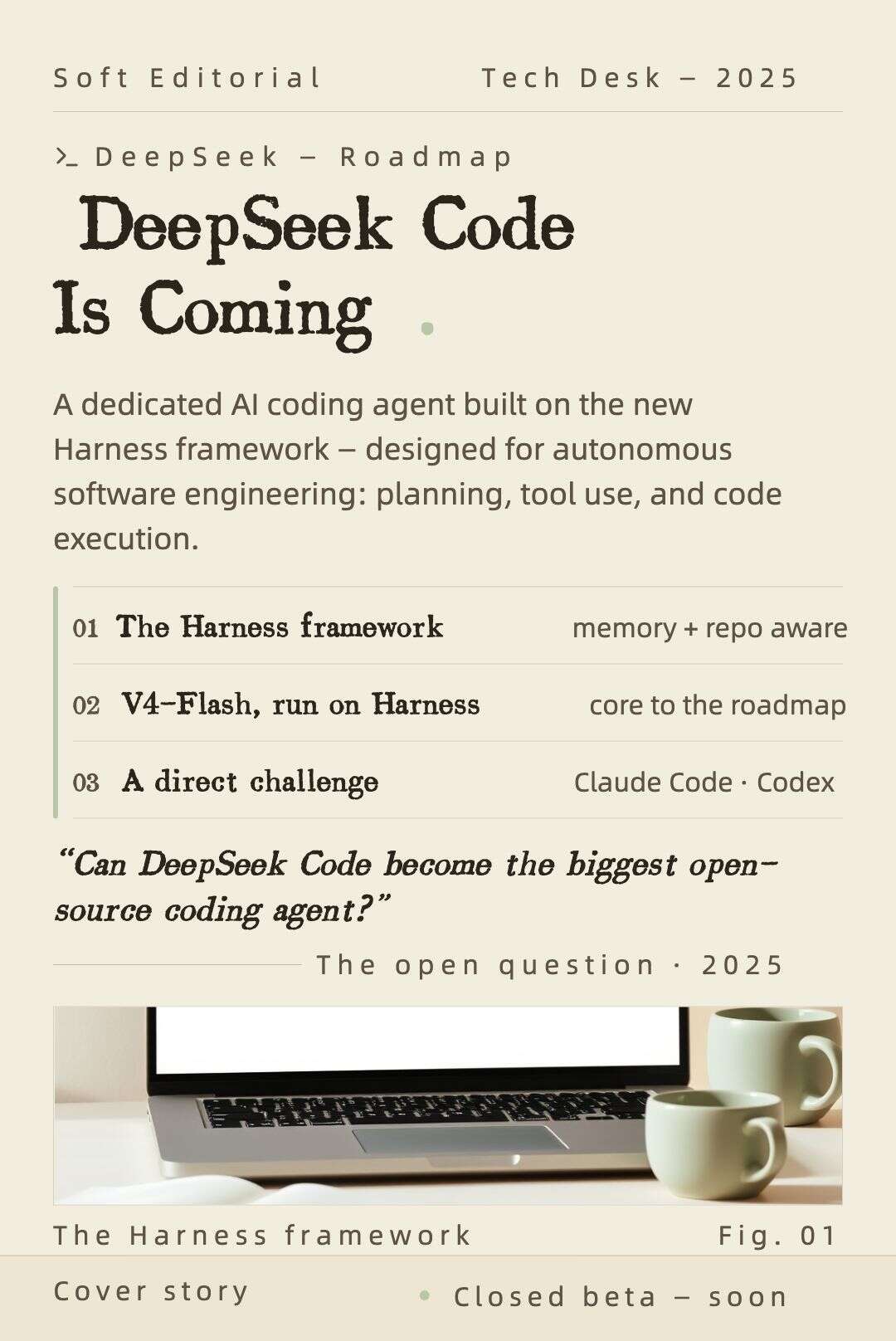
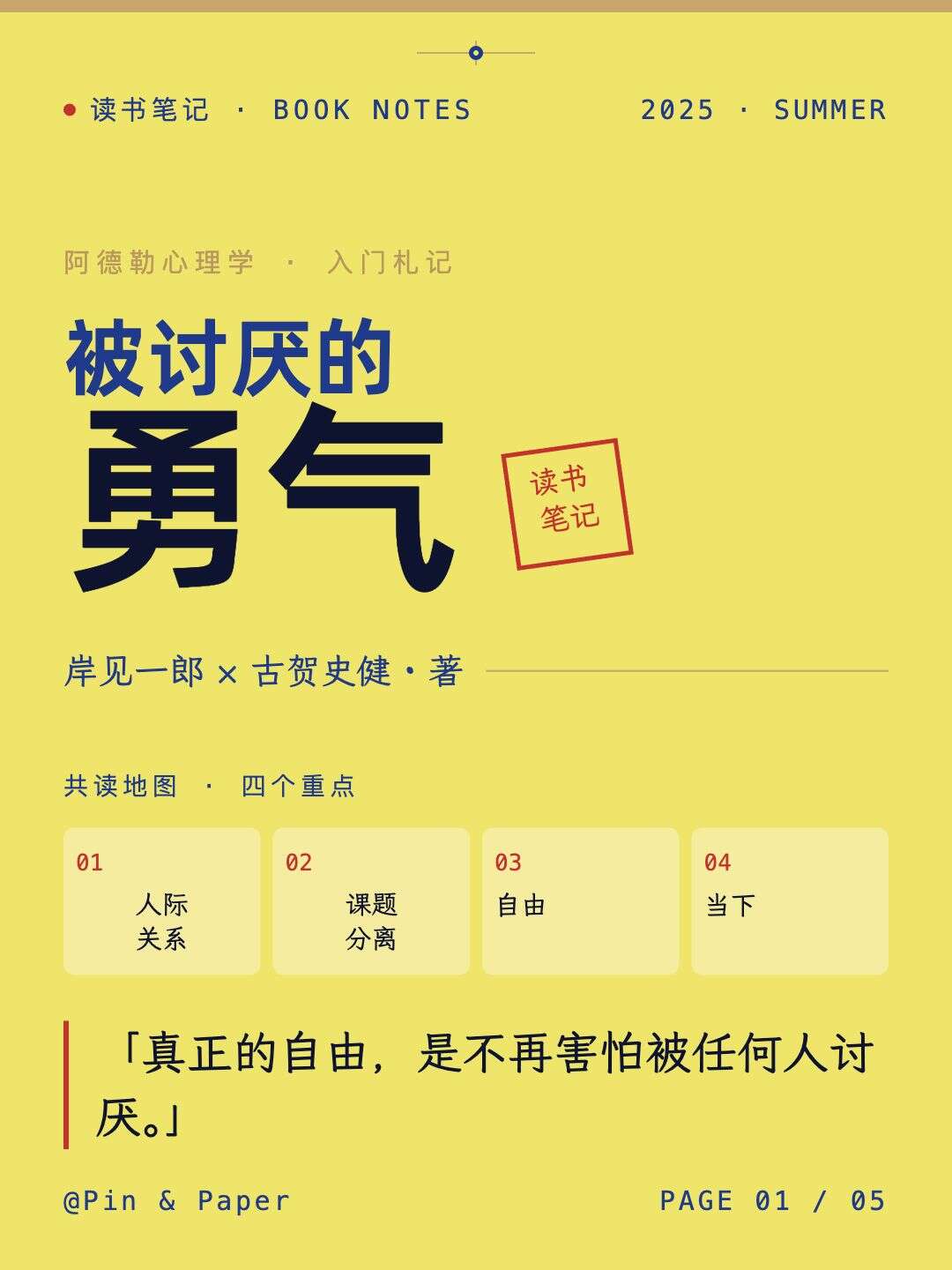
Turn text into a complete Xiaohongshu carousel, with long content split across pages
Turn text into a complete Xiaohongshu carousel, with long content split across pages
Turn one piece of copy into a complete Xiaohongshu set
More than a cover. AI breaks down the content, creates a consistent layout, and keeps every page fully editable.
IP形象贴纸图文
面子和羞耻心:挣脱束缚,活成真实的自己
初中数学试卷(A4·黑白版)
剪映无界面剪辑工作流
故宫打卡攻略 · 小红书 7 图
DeepSeek V4-Flash-Vision-Exp 发布
恩施3天2晚旅行日记(6页长图)
Showcase
One aesthetic, refined in every detail
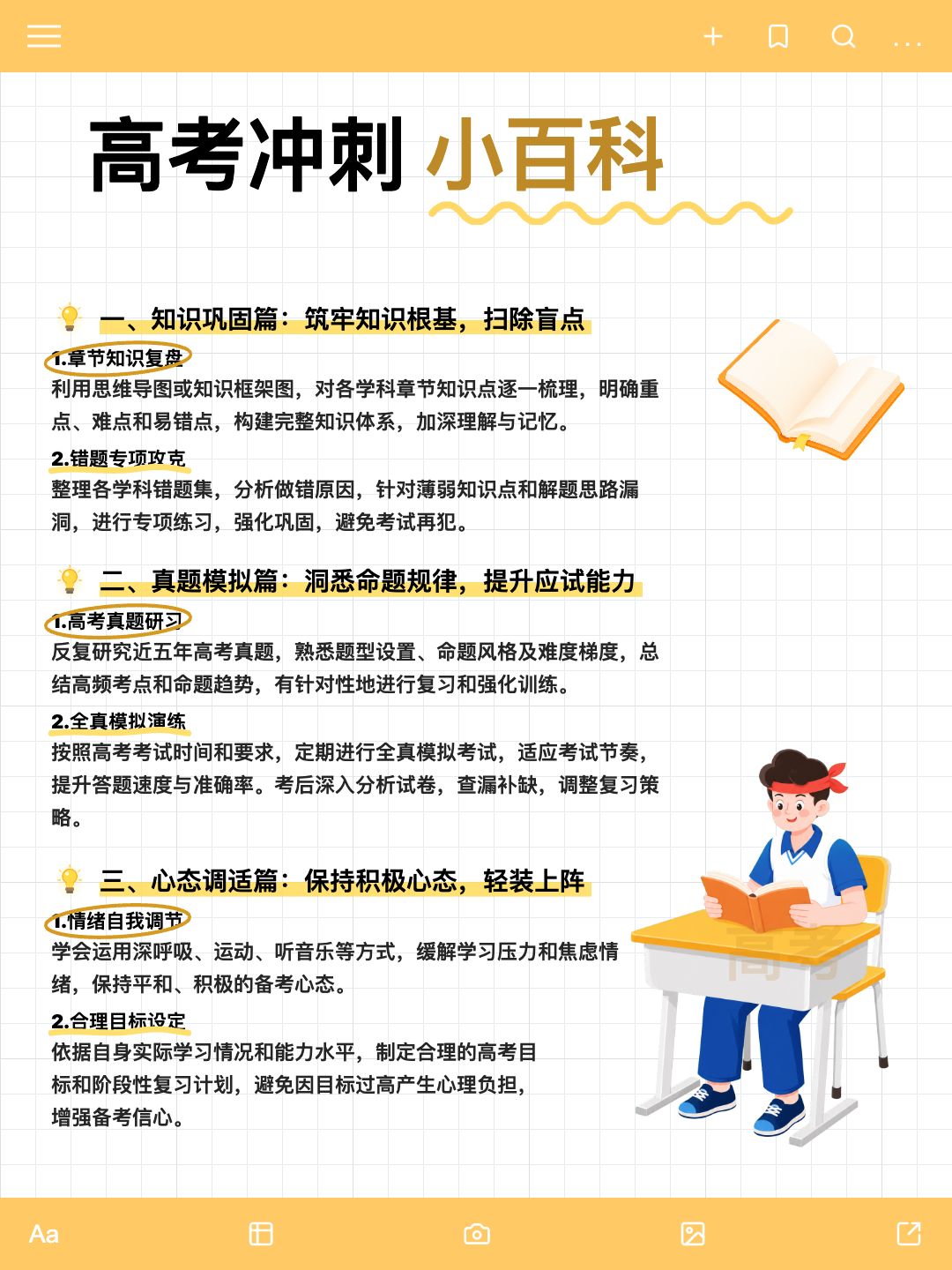
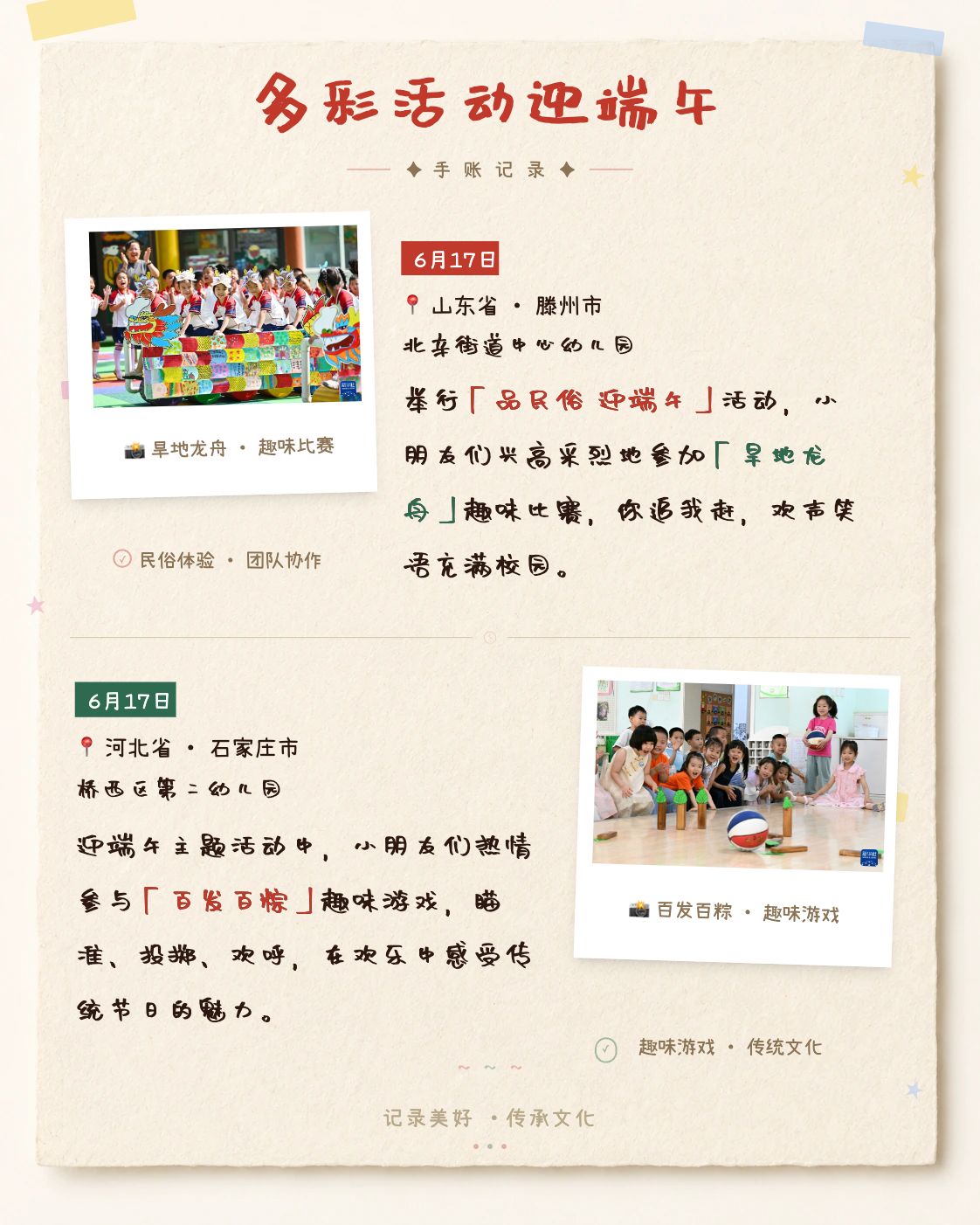
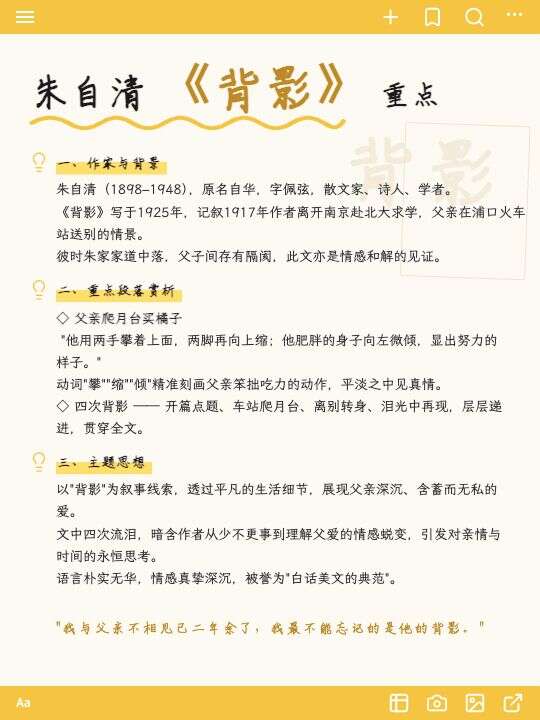
Choose a template to start with
Choose a template → add content → edit the result
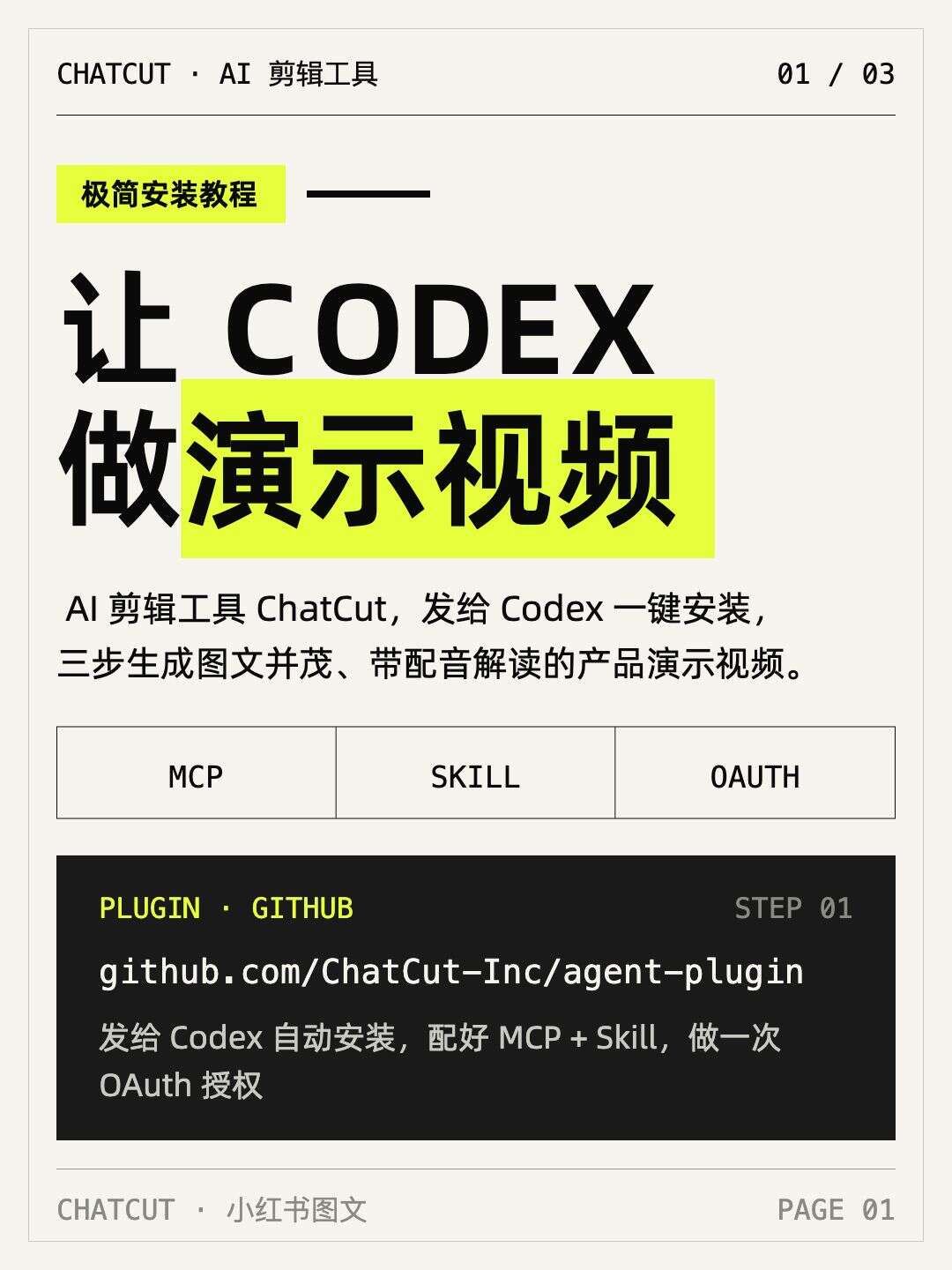
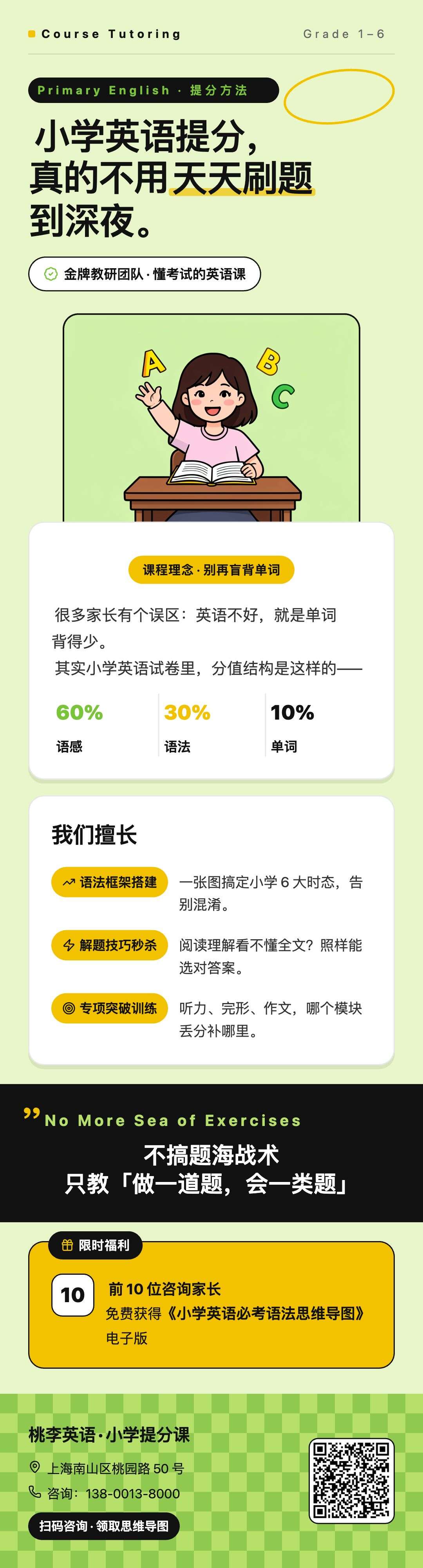

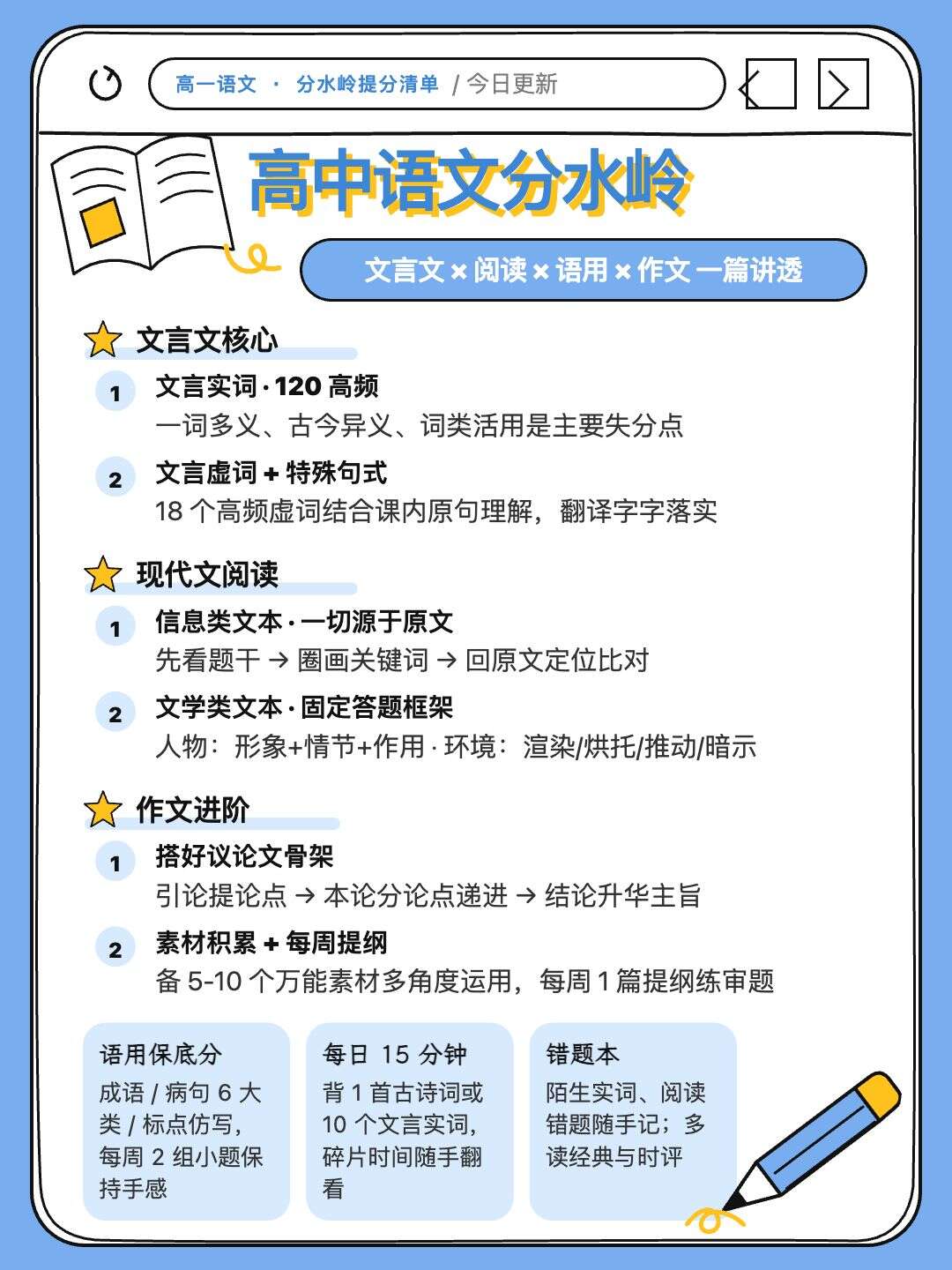
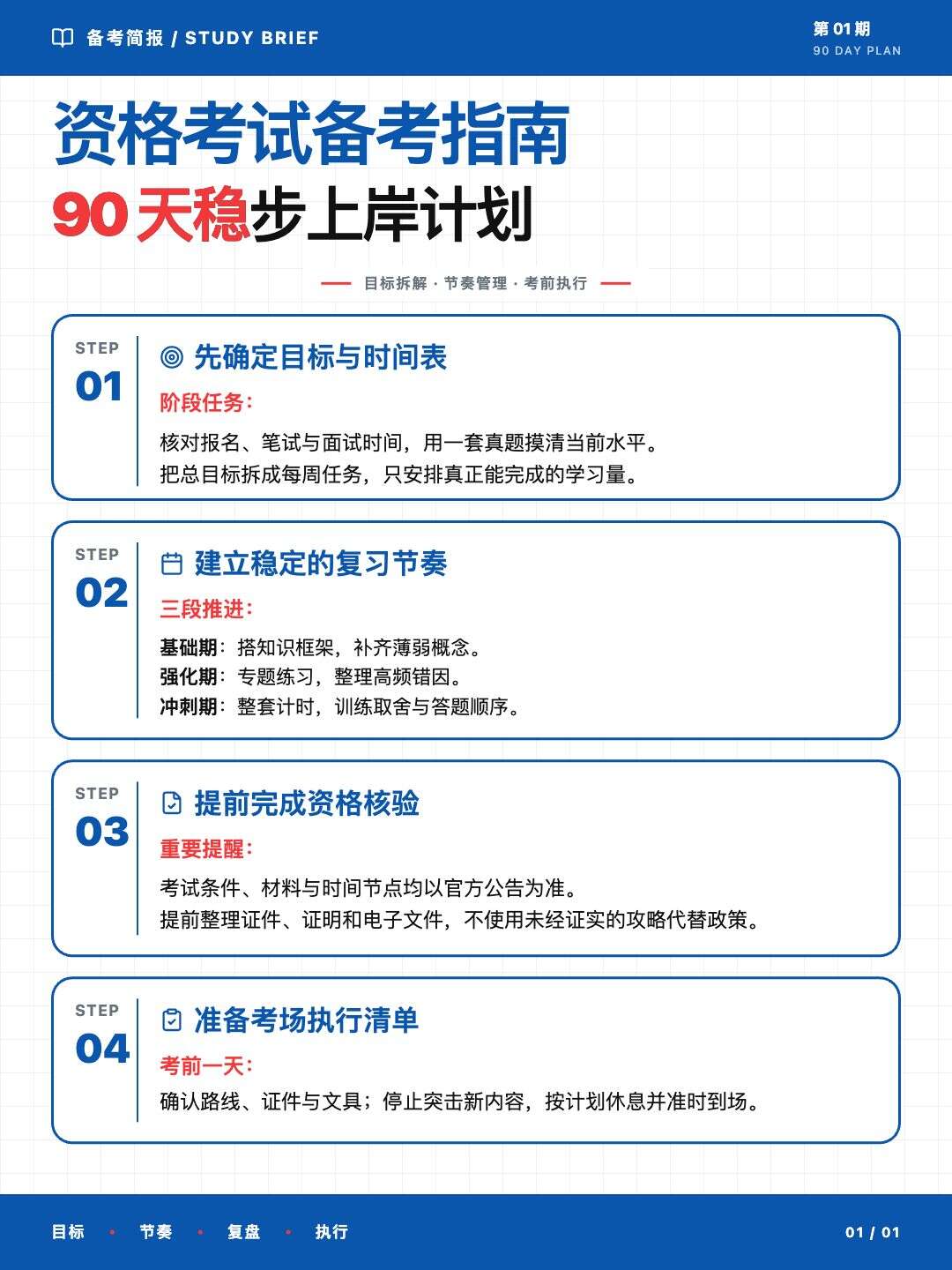
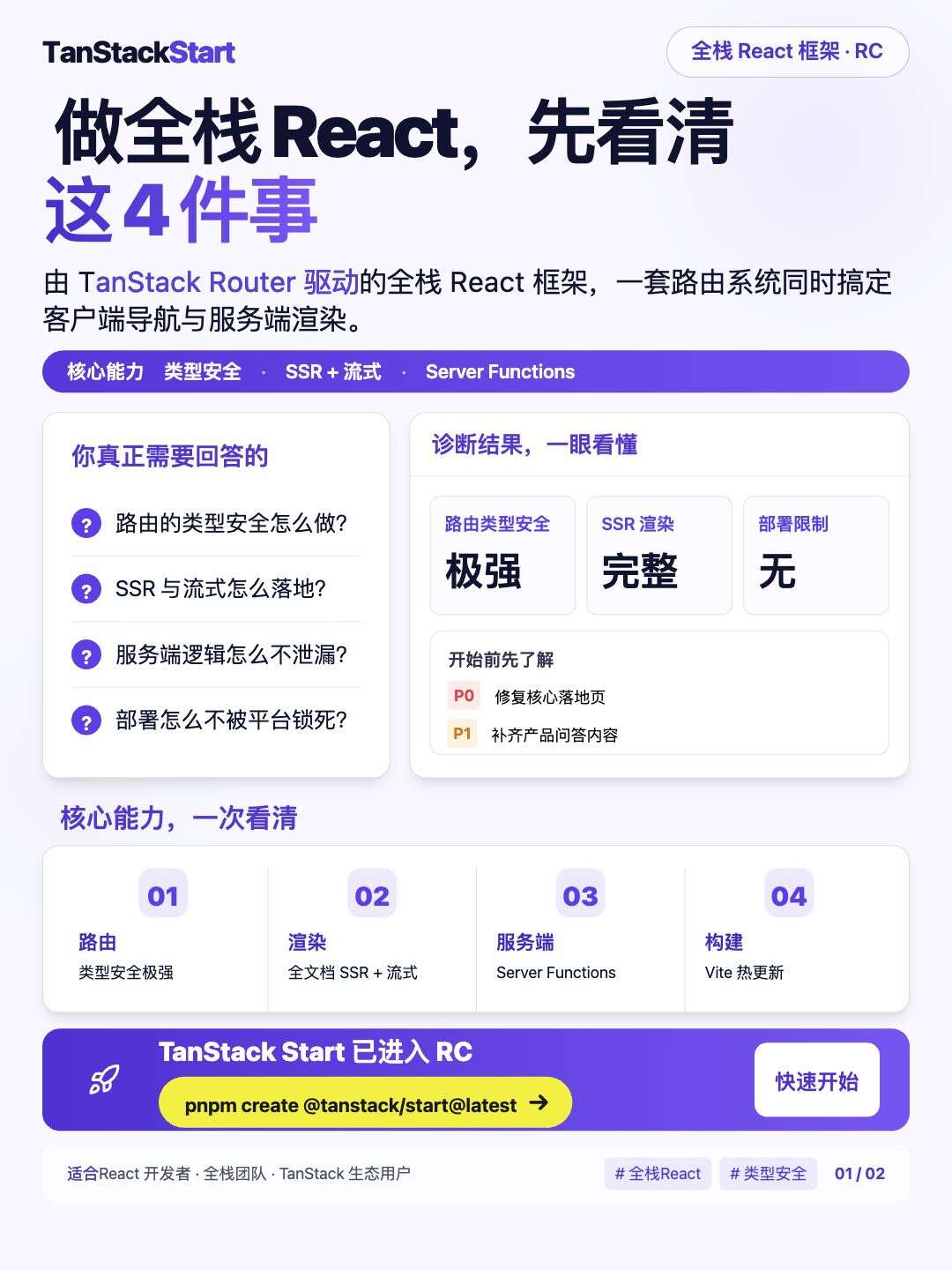
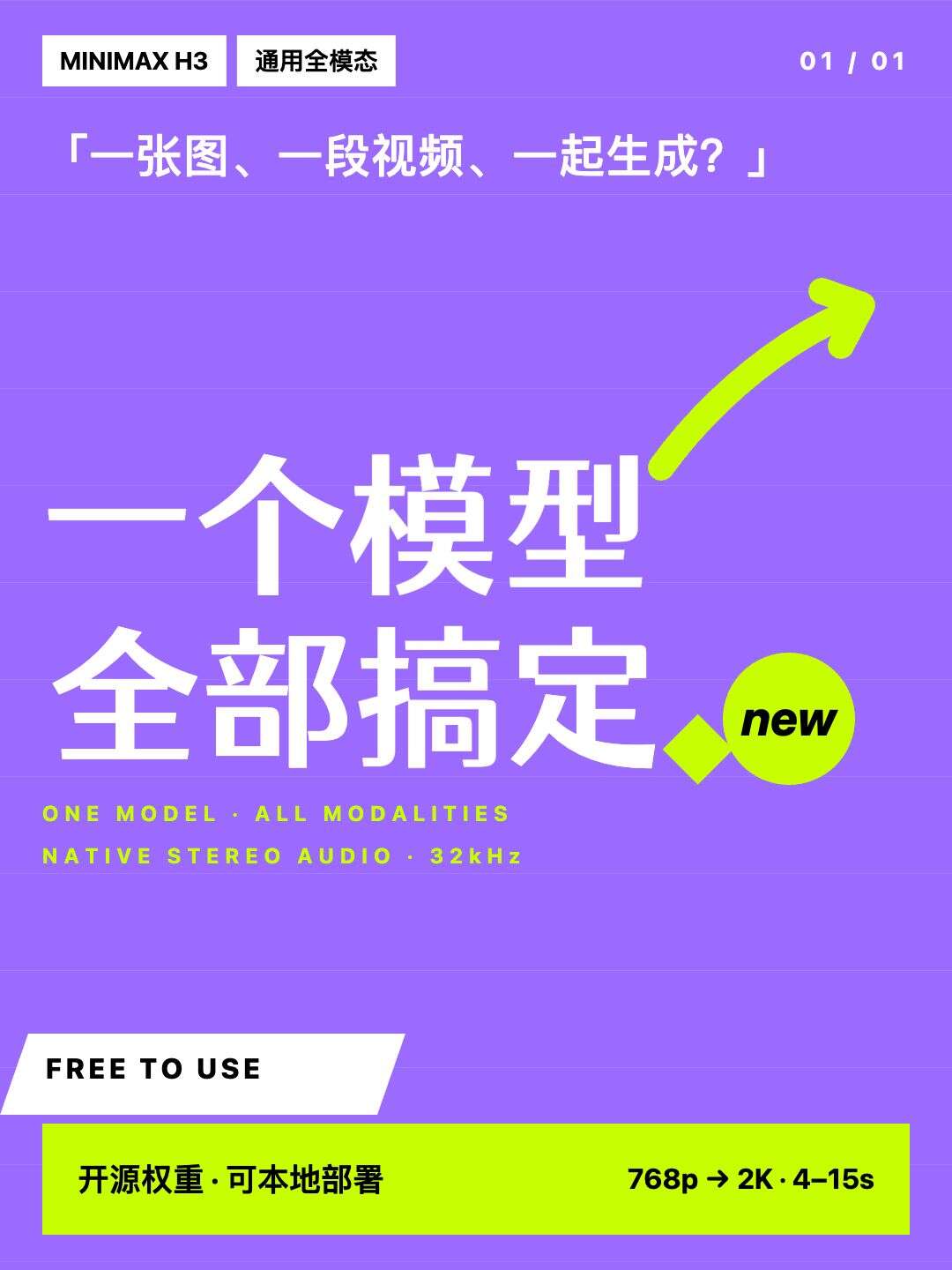
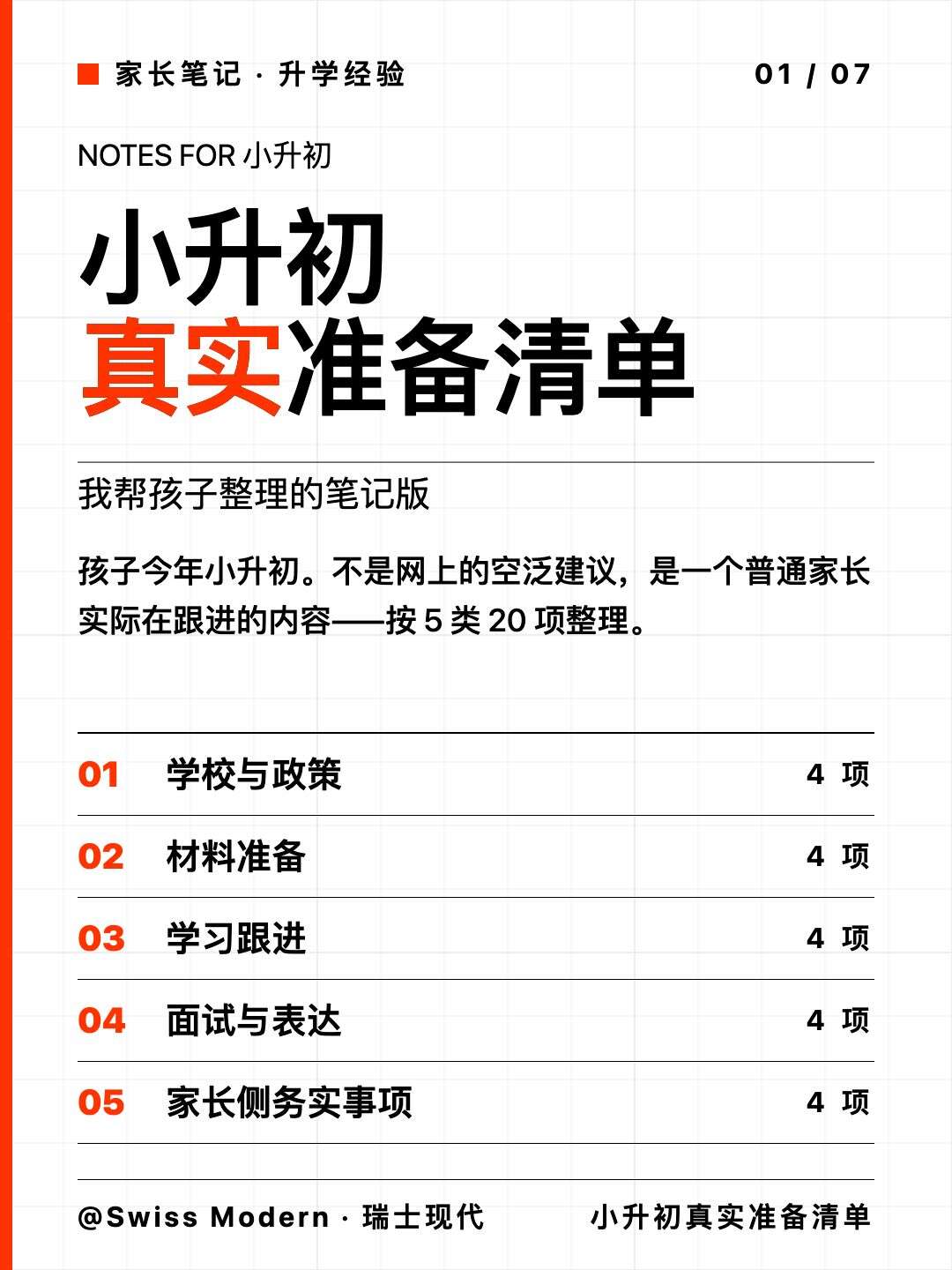
More templates are on the way
- Outputs a flat image, making individual text edits difficult
- Content changes often require regenerating the whole image
- Text, layout and assets cannot be edited separately
- Edit text and layout directly after generation
- Edit images, stickers and paper independently
- Organize content and design the layout on the same canvas
How it works
An editable visual card in three steps
① Describe what you need
Give AI your text and the style you have in mind.
② AI creates your visual cards
AI arranges handwriting fonts, paper and stickers into a layout.
③ Edit · Export
Edit text, move stickers and change paper without regenerating. Export to PNG in one click.
Pricing
Choose Your Plan
Buy a one-time credit pack. Use it as needed, with no automatic renewal.
进阶套餐
One-time credit pack
¥0.33 per credit
- 30 Credits
- Valid for 365 days
- Visual editing and export
专业套餐
One-time credit pack
¥0.26 per credit
- 150 Credits
- Valid for 365 days
- Visual editing and export
旗舰套餐
One-time credit pack
¥0.24 per credit
- 500 Credits
- Valid for 365 days
- Visual editing and export
Choose by usage. Visual editing features are the same across credit packs.
An AI design conversation starts at 1 credit. Longer conversations use more tokens and may cost more credits. The selected model and actual token usage determine the charge. Manual editing and export are free; AI generation with templates still uses credits.
FAQ
Frequently Asked Questions
How is 文卡网 different from regular AI image generators?
Regular AI image tools usually output a flat image, which makes later copy and layout edits difficult. The AI assistant in 文卡网 understands your intent, lays content out in editable layers, and lets you adjust copy, size, stickers, and paper for a complete Xiaohongshu / RedNote carousel.
Can I create Xiaohongshu posts for free with 文卡网?
Yes. New accounts receive 10 credits to try AI generation. Usage and the selected model determine the cost. Manual editing and export are free; AI generation with a template still uses credits.
Can I edit images generated by 文卡网?
Yes. Double-click text on the canvas to edit, or search and edit layers in the right panel. Stickers and paper are editable layers too.
How long does a Xiaohongshu set take in 文卡网?
Generation time depends on content length, page count, the selected model and service availability. Prepare your content first, then edit individual parts of the result as needed.
How are 文卡网 credits calculated?
An AI design conversation starts at 1 credit. Longer conversations use more tokens and may cost more credits. Charges depend on the selected model and actual token usage. Clarification-only turns that produce no design are not charged. Start a new project when returning to a different task to reduce historical context.